Using the Tool Palette
You can map different functions and buttons to the Tool palette for easy access.
File > Settings > User tab > Tool Palette
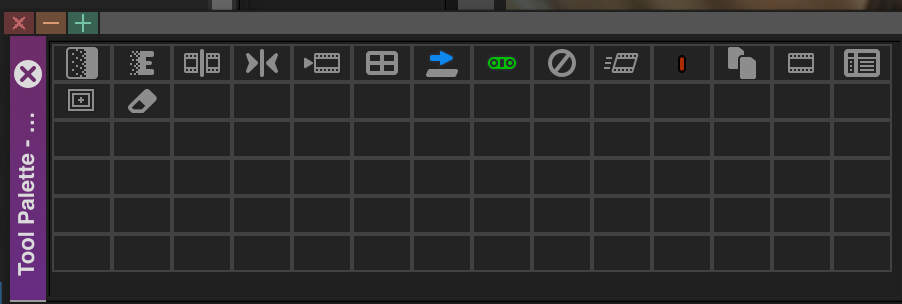
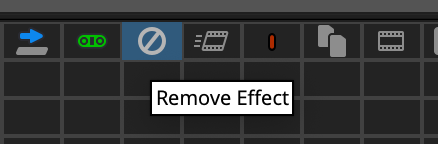
To display labels on the Tool palette buttons:
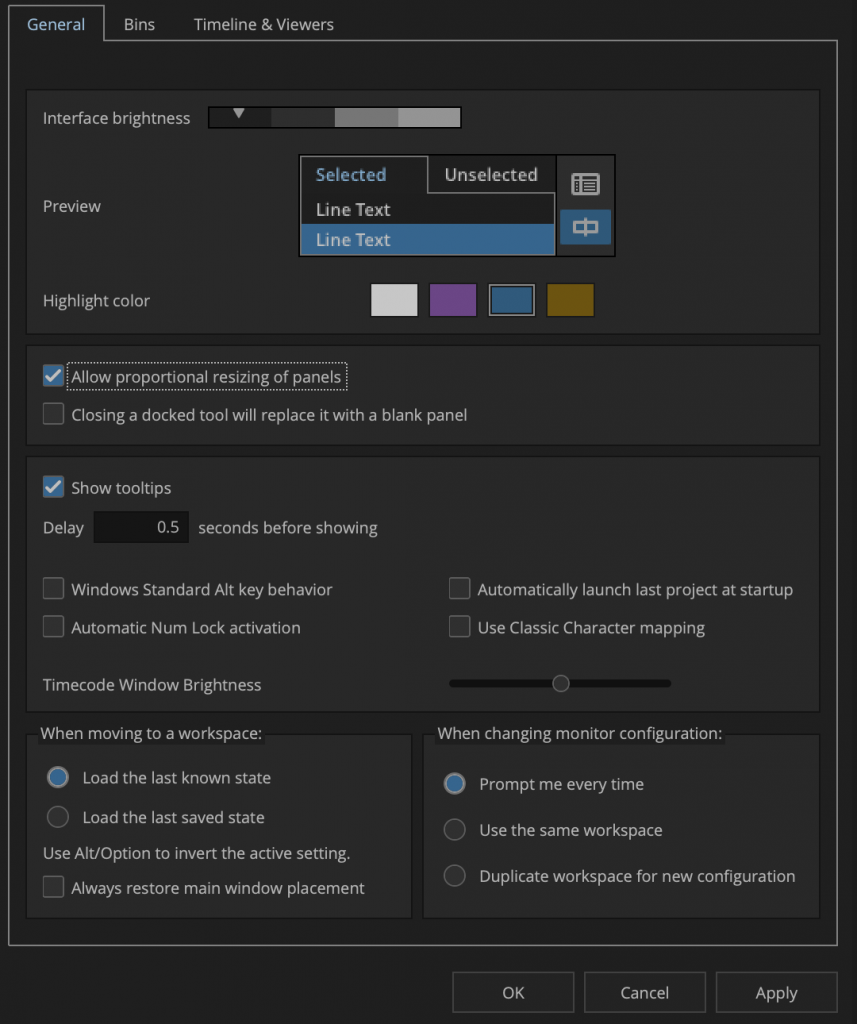
- Select File > Settings > User tab > Interface
The Settings dialog box appears. - Select Show Tooltips.
- Click OK. Labels appear on the buttons under the icons.
weitere Infos –> „Media Composer Editing Guide“ S.413